In this guide, you will learn how to successfully log in to your website’s admin/user area. This allows you to access your account, manage your profile, or administer your site.
Prerequisite:
- You must have a registered user account (username/email + password).
- Website login URL.
These information will be given by Design Hero.
1. Go to the Login Page #
- Open your web browser.
- Navigate to the website’s login page URL (for example:
https://yourwebsite.com/wp-admin) usually it consists of your-site-domain + /wp-admin.
2. Enter Your Credentials #
On the login form:
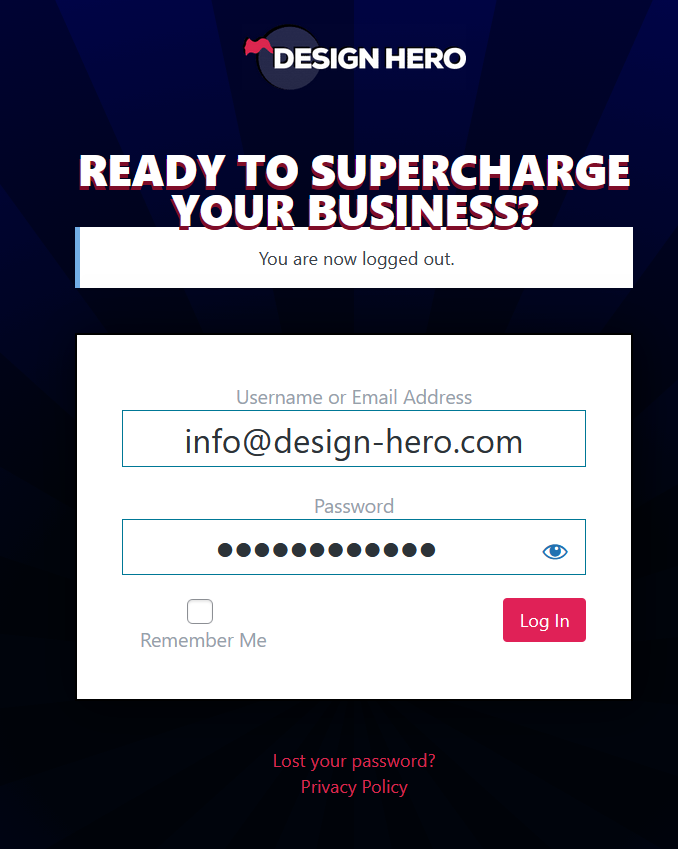
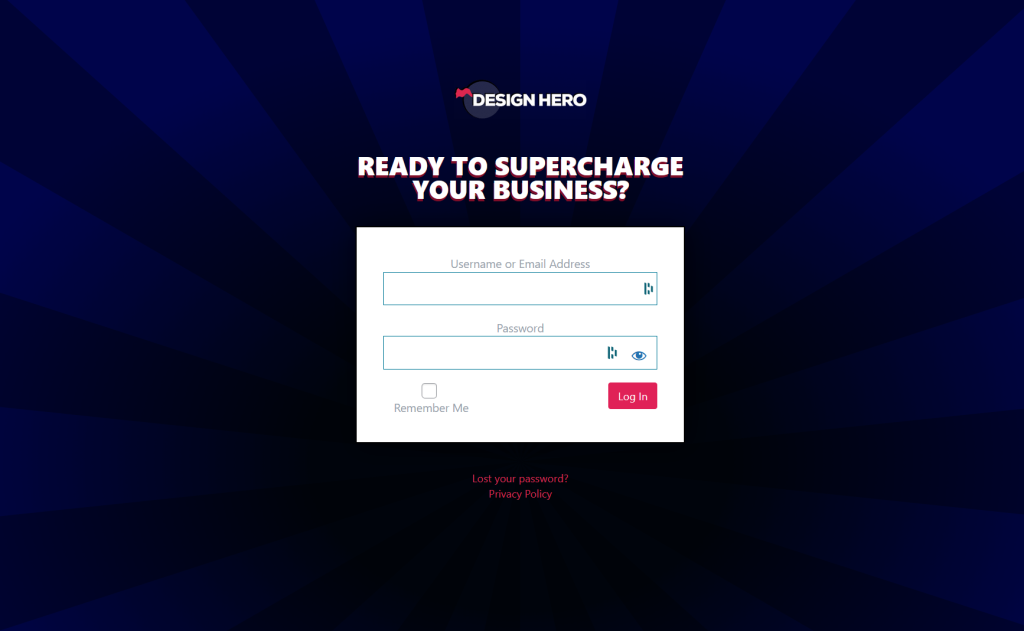
- In the Username or Email Address field — type your registered email address or username.
- In the Password field — type your password.
- Click the ‘Log In‘ button or hit ‘Enter‘ on your keyboard.
(Optional).You can also use the eye icon or “Reveal password”, you may use it to verify your input before submitting